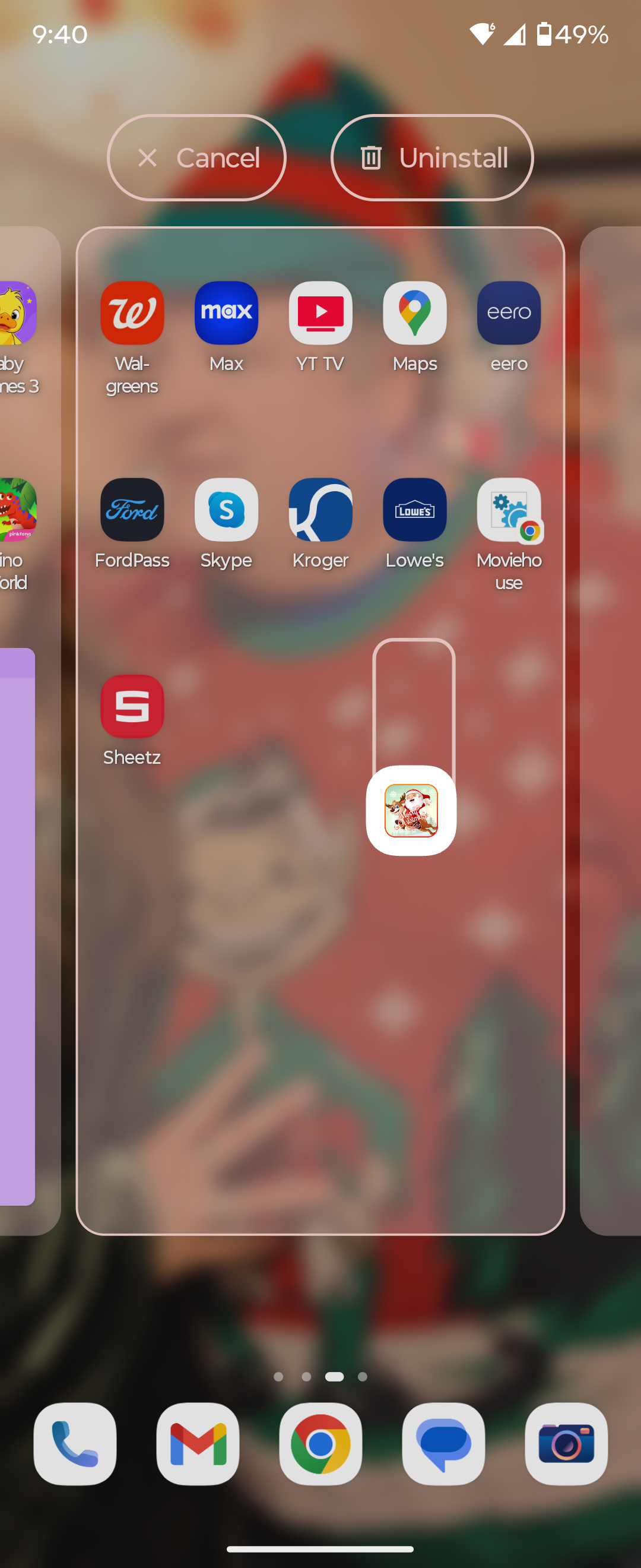
*If you prefer to add a shortcut on your home screen instead of installing the app on your phone, select that instead in Step 4.
Step 1
Click on the icon for the game you want to install.

Step 2
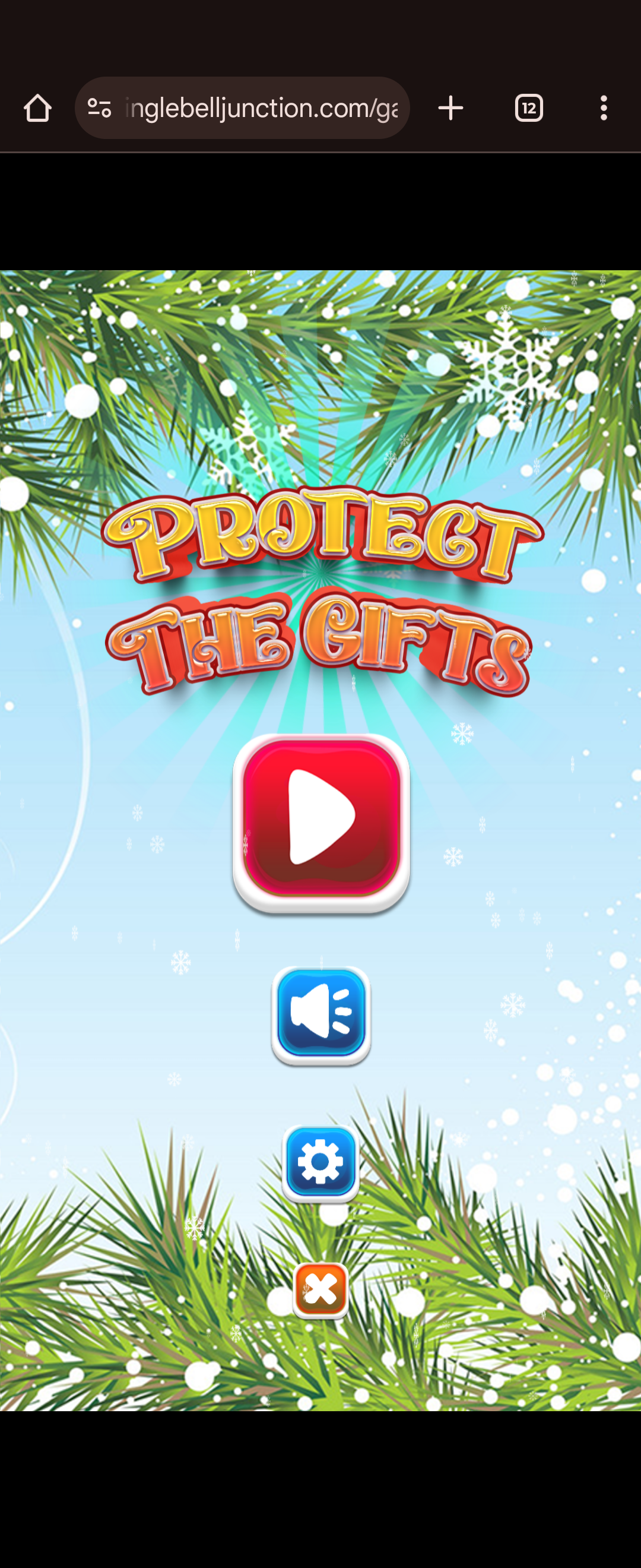
Open the game in your Chrome browser.
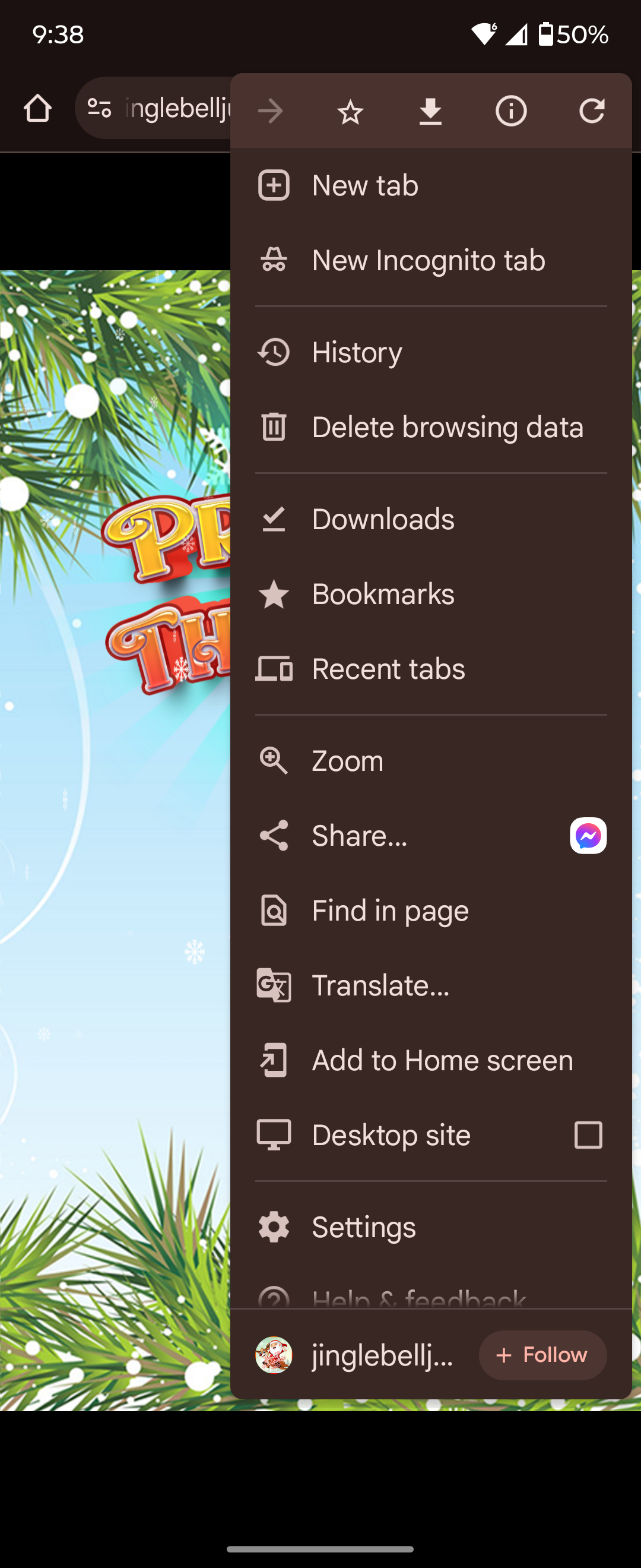
Step 3
Open the menu, select 'Add to Home screen"
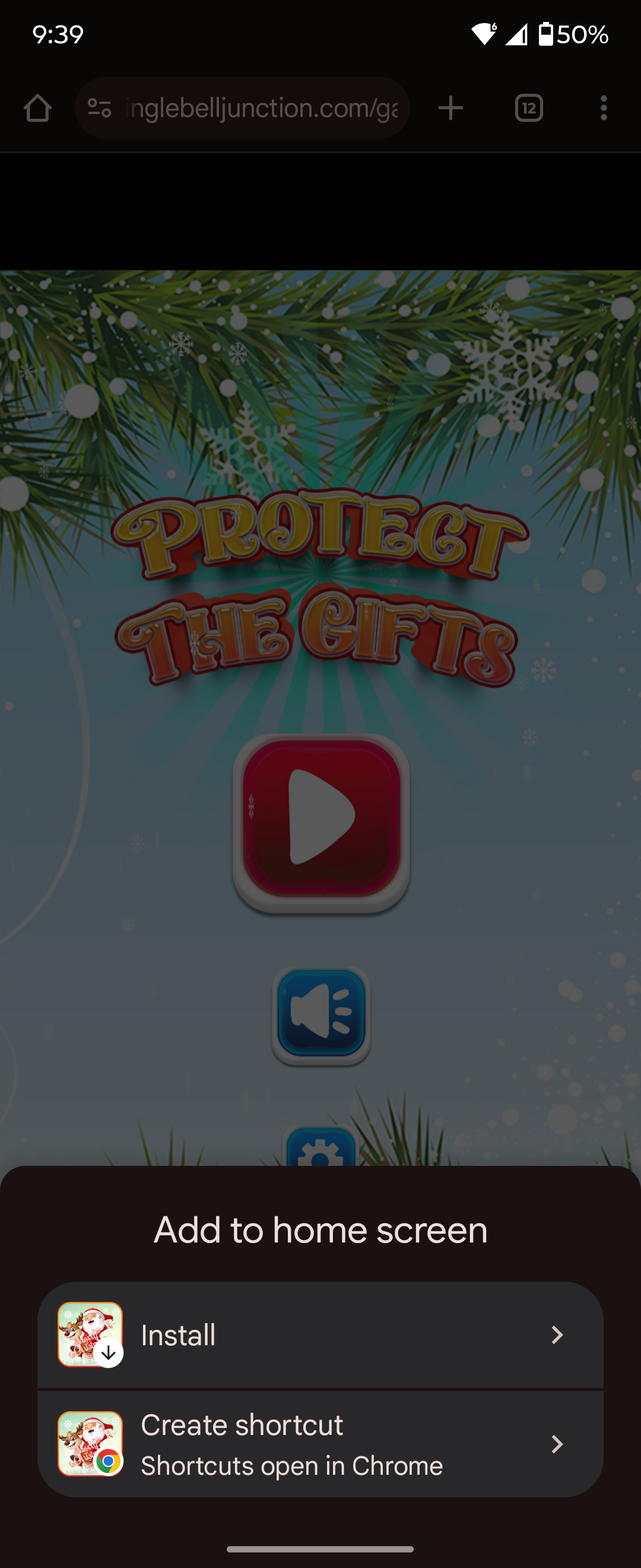
Step 4
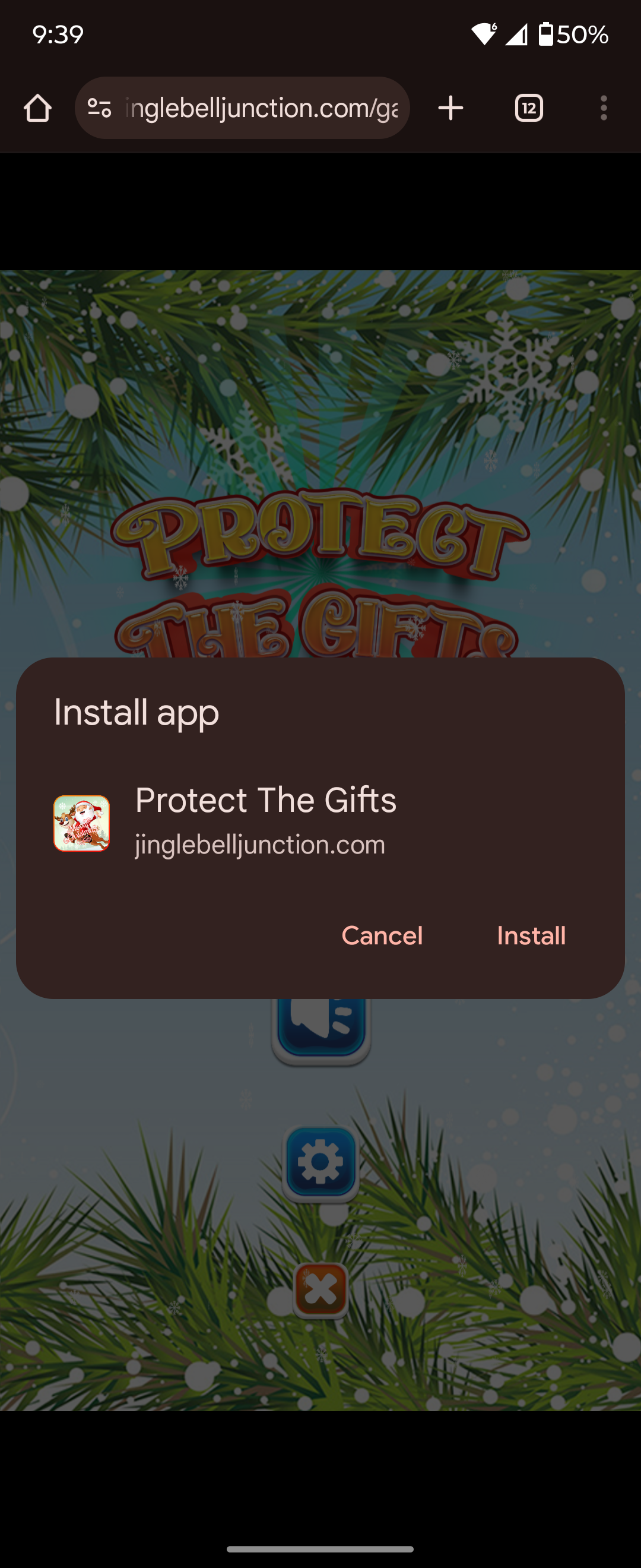
Choose Install, and continue to the next step.
Step 5
Now click Install, it will only take a moment.
Step 6
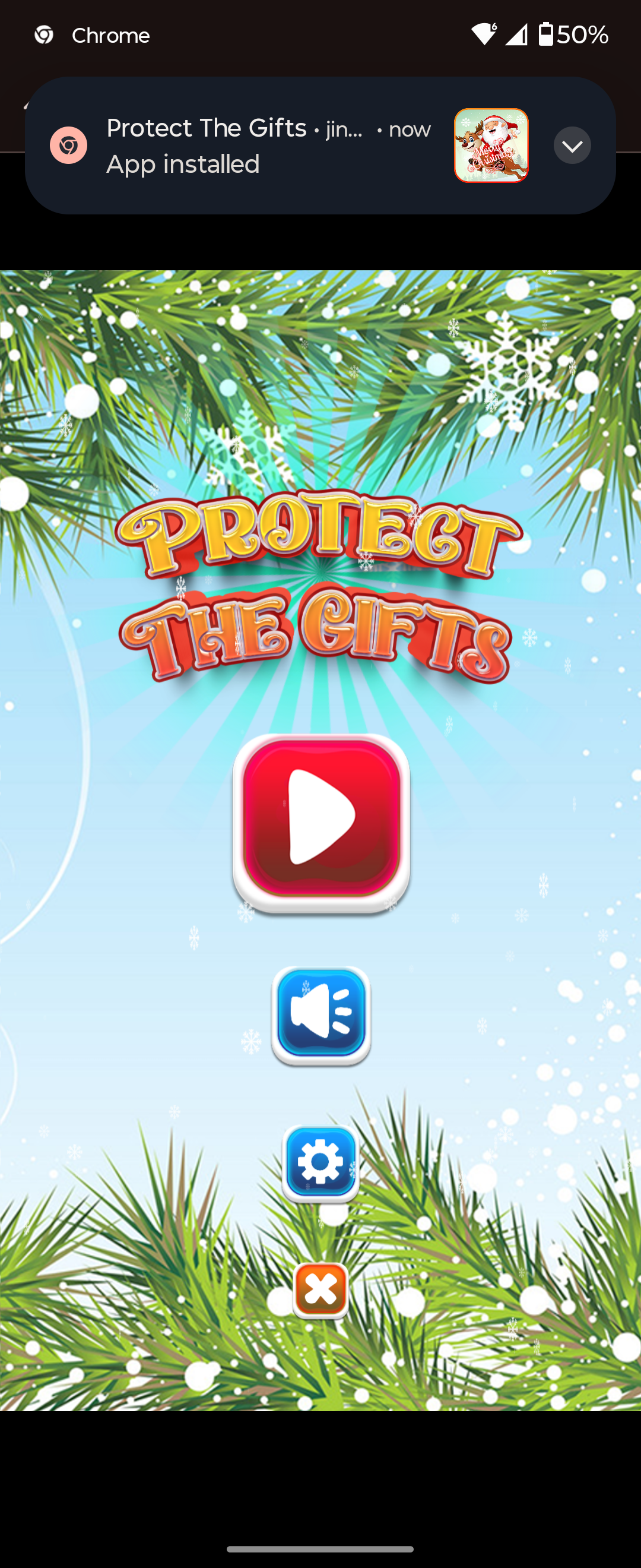
You'll get a notification that the app is installed.
Step 7
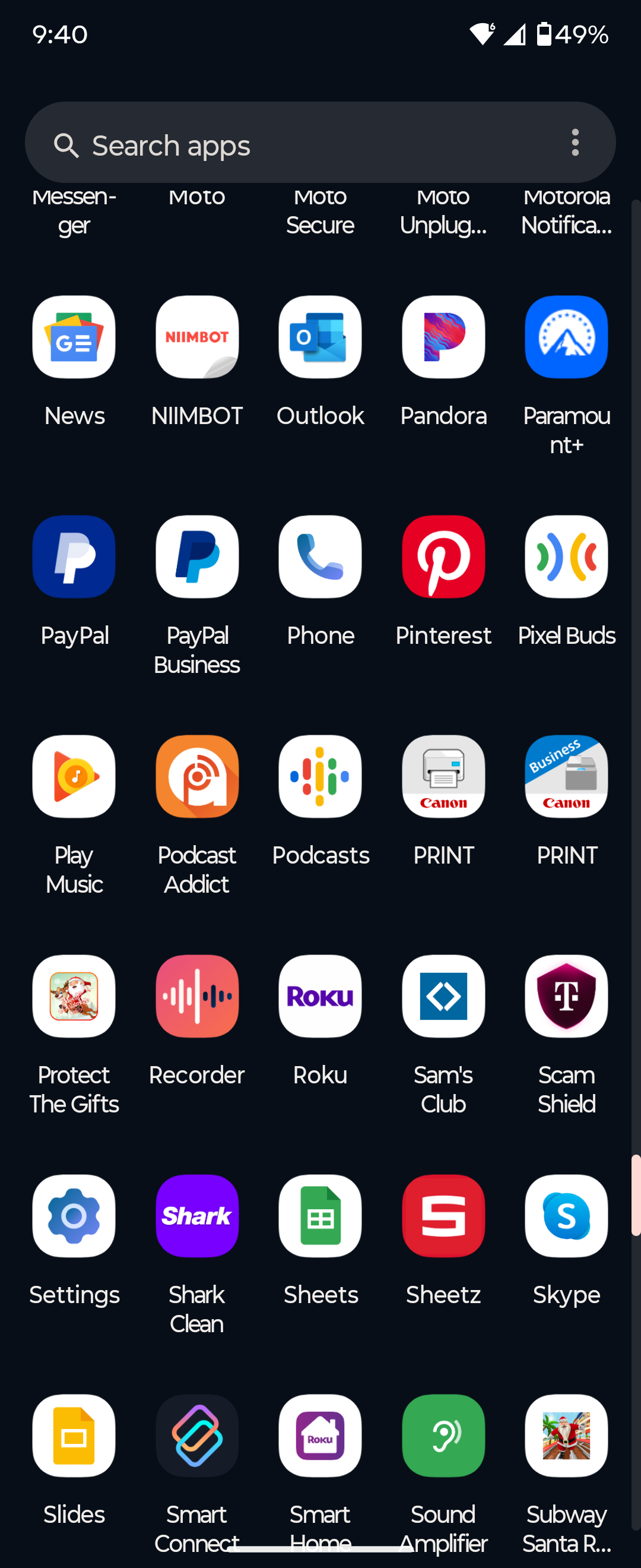
Find the app, and drag it to your home screen
Step 8
All Set! Let the merry games begin!